GladiCoin is an entertainment and simulation project that began development in 2026. Our goal was to create a hybrid world where the strength of gladiators, battles and progression in the arena, equipment upgrade systems, and virtual mining all come together in a single unified environment.
- The strength of gladiators
- Battles and progression within the arena
- Equipment upgrade systems
- Digital currency and virtual mining
In GladiCoin, your room acts like an arena, miners function as weapons and gladiator equipment, and the games represent battles that increase your power. This project is a gaming and entertainment platform, not an investment system. All powers, rewards, and mining processes are virtual and simulated.
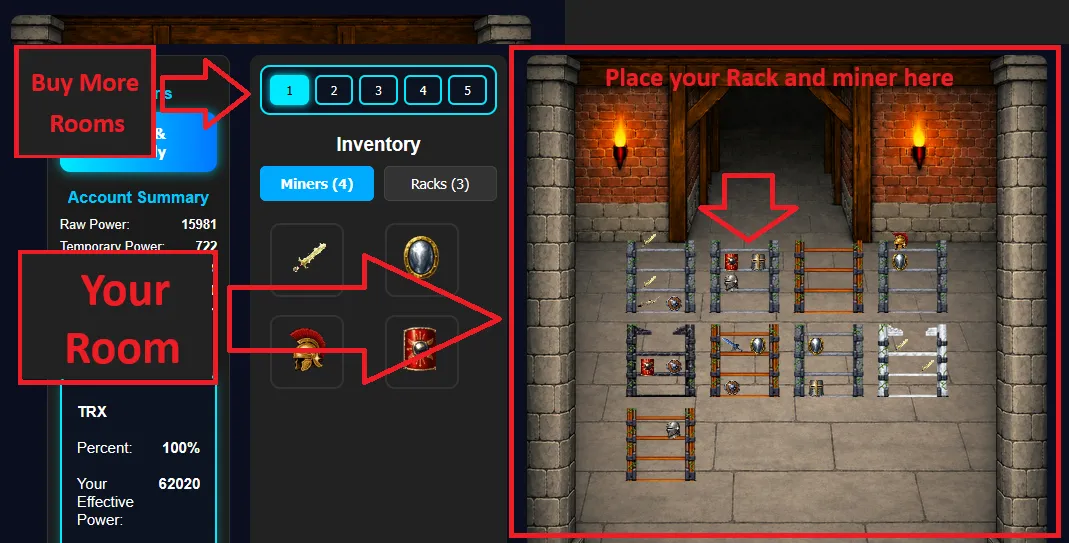
Your room is the most important part of GladiCoin. Your final power is calculated entirely based on what is placed inside your room.
Rack
- Racks act like shelves for gladiator equipment.
- Each rack has a specific capacity.
- You can place a limited number of miners on each rack.
- Without a rack, no miner can be activated.
Miner
- Miners act as tools of power.
- Each miner generates Raw Power.
- Miners must be placed on a rack to become active.
- Inactive miners are stored in your Inventory.
- Each rack has its own base power and also provides a bonus that increases the power of miners placed on it.
Your Room
- The room image is displayed.
- Racks are placed inside the room.
- Miners are placed on the racks.
- Your raw power is calculated from all active miners in your rooms.
- You can purchase additional rooms if needed.
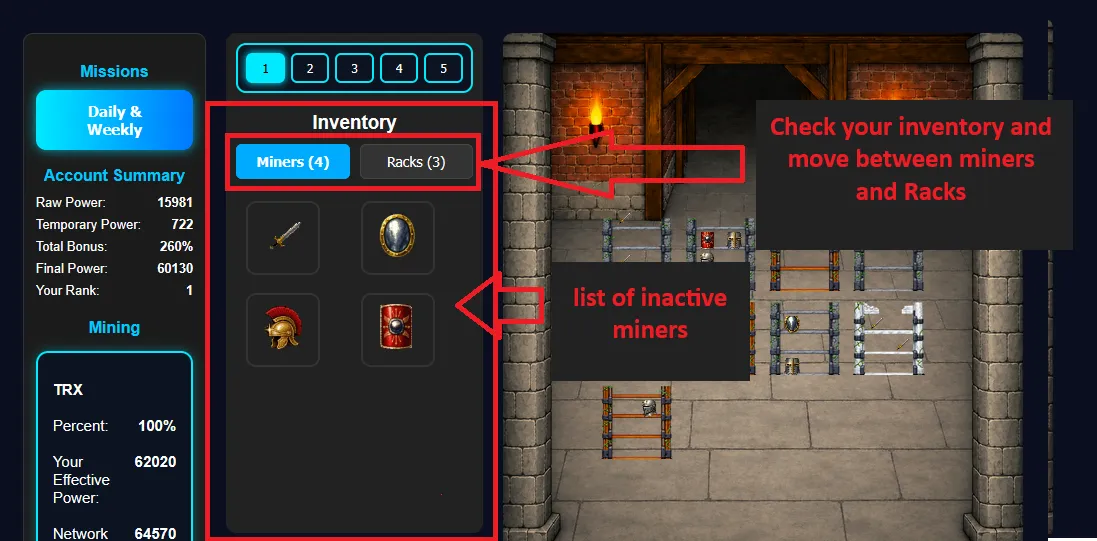
The Inventory stores items that you have not placed inside your room and are therefore inactive.
Items stored in Inventory
- Inactive miners
- Miners removed from racks
- Future items such as decorations, boosters, and more
Inventory Features
- Manage all items
- View the power of each miner
- Move miners to racks
- Remove or rearrange miners
GladiCoin includes 4 main games. The following rules apply to all games:
- Maximum level: 30
- Maximum lives: 3
- Higher levels increase difficulty but also increase rewards
- Victory bonus: winning grants extra rewards
- Short game duration for more daily plays
- Game points last for 1 day
Gladiator Dash
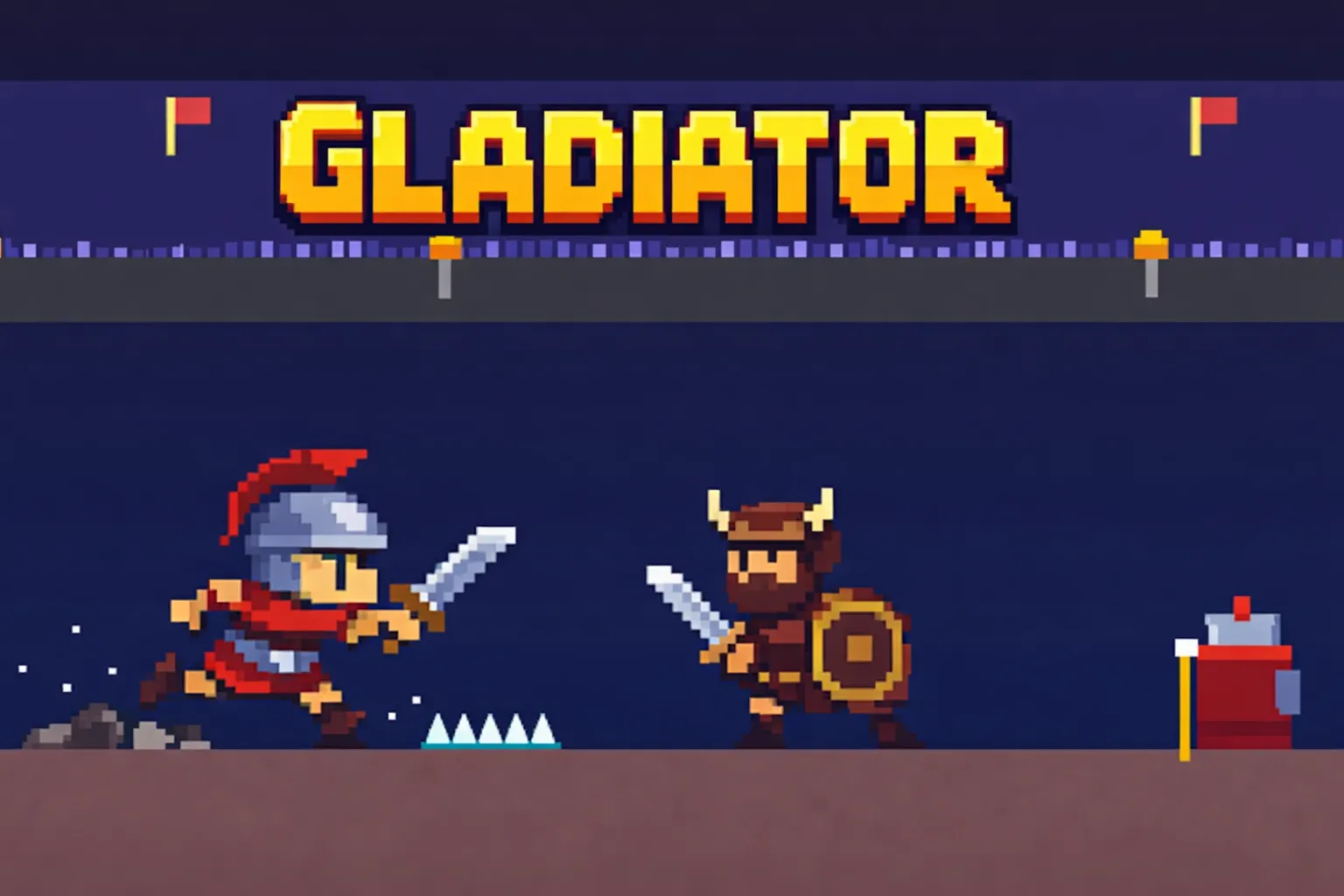
- Face enemies in the battlefield and increase your score.
- PC: Space = jump, Mouse click = attack.
- Mobile: use control buttons.
Arena Slash
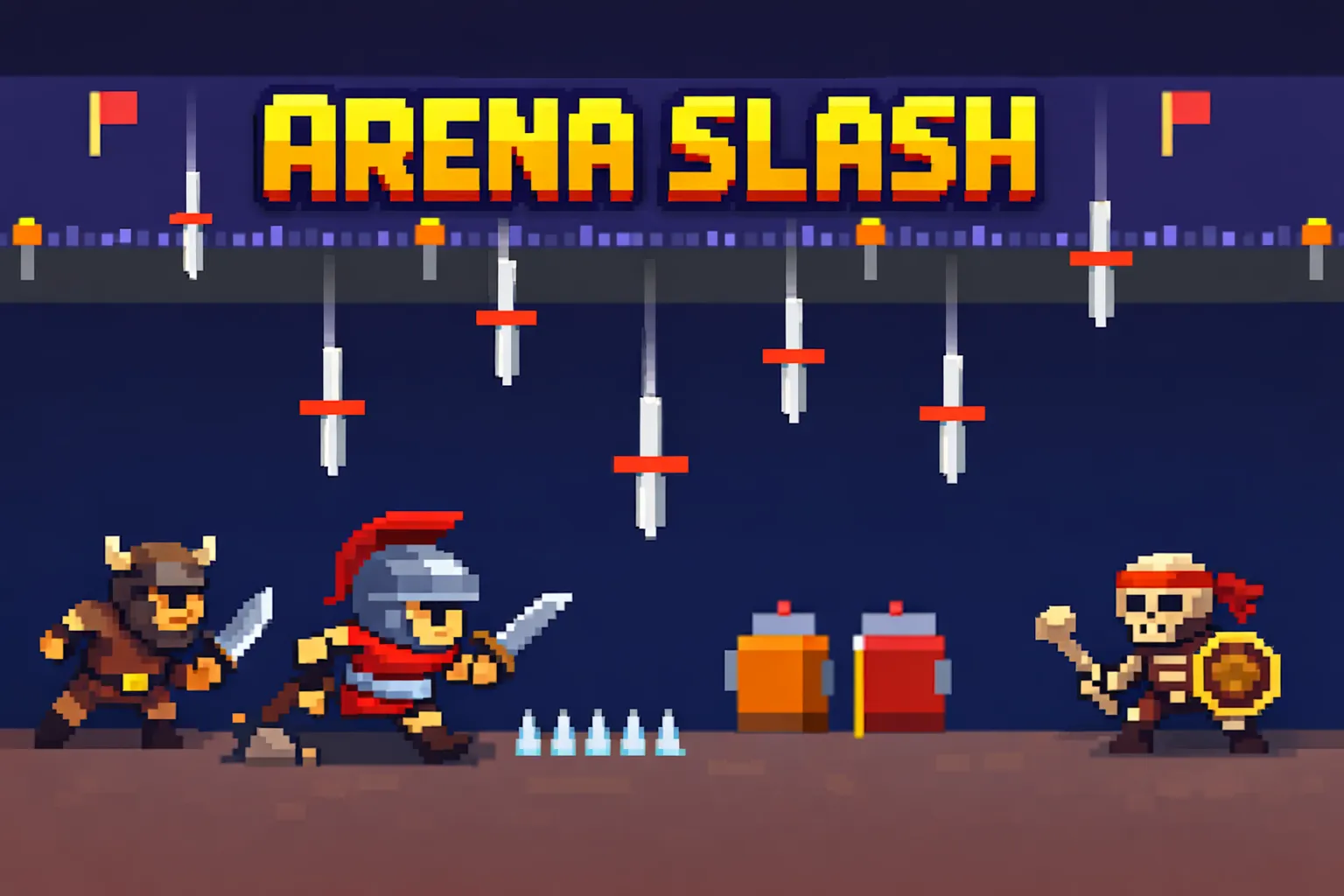
- Enemies attack from left, right, and above.
- PC: Space = attack, Left/Right = dodge.
- Mobile: use control buttons.
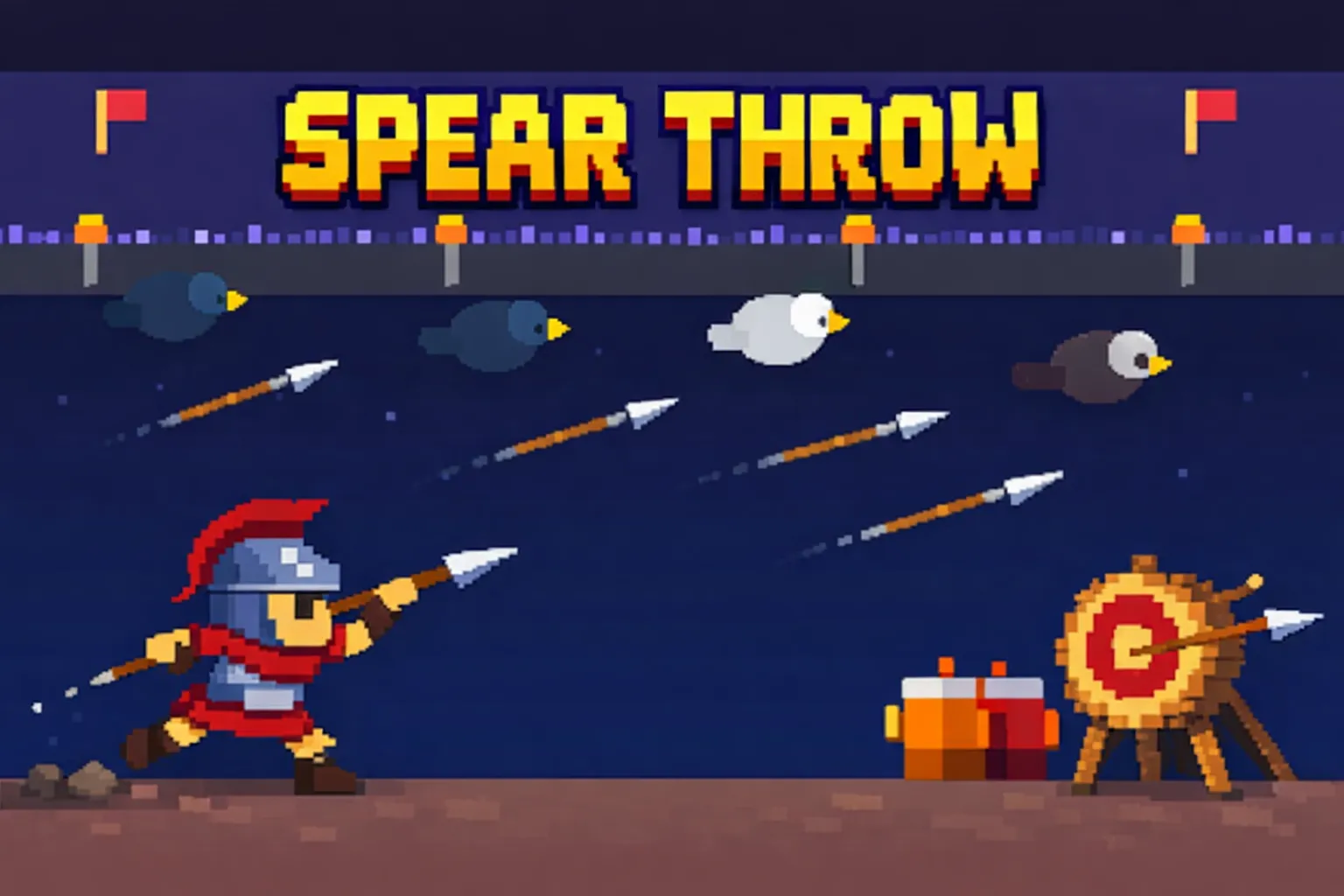
Spear Throw
- Hit black ravens to earn points.
- Avoid white pigeons—they are message carriers.
- PC: Space = attack, Left/Right = dodge.
- Mobile: use control buttons.
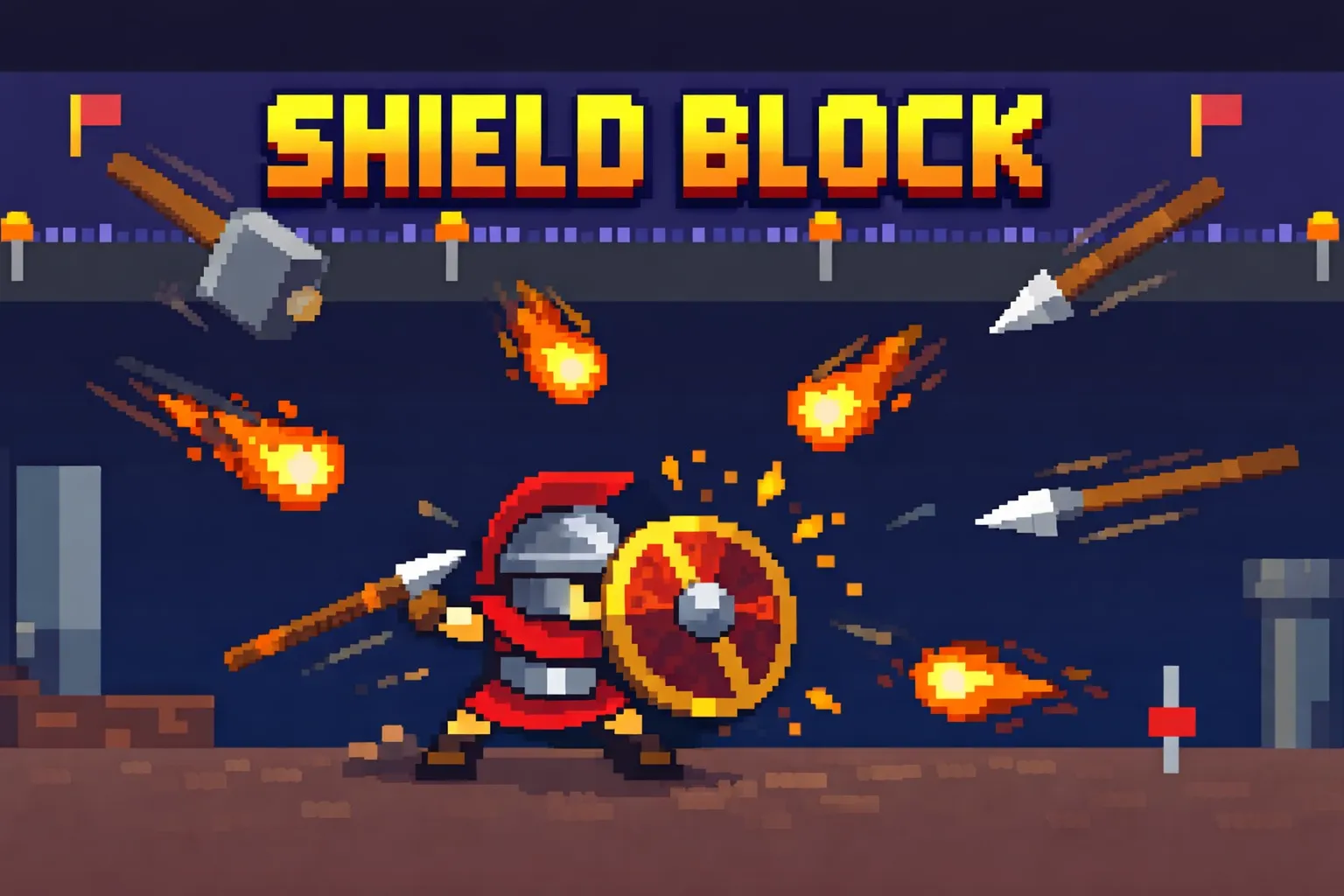
Shield Block
- Enemies attack from all directions; survive using your shield.
- PC: Space = change shield position, Left/Right = move.
- Mobile: use control buttons.
Raw Power
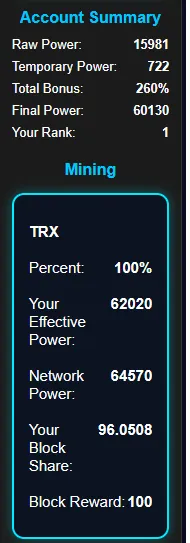
Power generated from racks and active miners. If a miner or rack is not placed inside a room, it produces no power.
Temporary Power
Power gained from games. This power lasts for 1 day.
Total Bonus
A percentage applied to your base power. This bonus comes from active miners. Duplicate miners do not increase your bonus; they only add their raw power.
Final Power
Raw Power + Temporary Power = Base Power
Base Power × Bonus = Final Power
Your Rank
Your rank among all players is based on your final power.
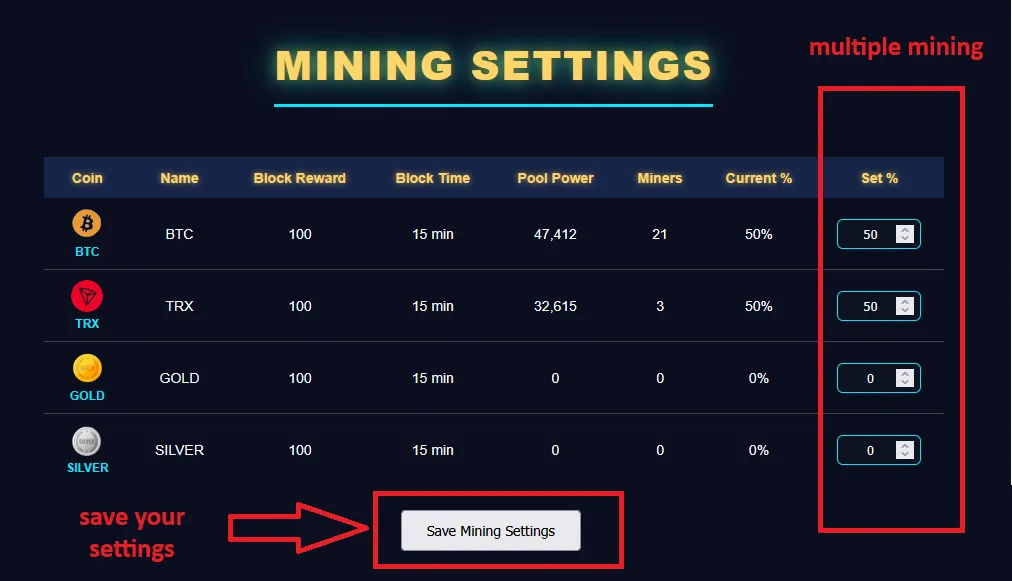
Mining Pools are the final stage of GladiCoin’s mining system.
Pool Details
- Coin Name
- Block Reward
- Block Time (10 minutes)
- Pool Power
- Miners
- Current %
- Set %
You can adjust your mining percentage once per day.
What you must do
- Choose a coin
- Set mining percentage
- Check profitability
- Distribute power across pools
- View total pool power
- View number of active miners
- Select a coin
- Receive the deposit address
- Send from your personal wallet
- Wait for network confirmation
- Balance is added
Important Notes
- Copy the address exactly
- Select the correct network
- Incorrect deposits cannot be reversed
Not all mined coins can be withdrawn (e.g., Gold, Silver). If your coin supports withdrawal, you can use one of the following methods:
Important Notes
- Minimum withdrawal and fees vary per coin
- FaucetPay withdrawals have very low or zero fees
- Maximum processing time: 3 business days
Personal Wallet
- Select the coin
- Enter the address
- Enter the amount
- Confirm withdrawal
FaucetPay Wallet
- Select the coin
- Enter the amount
- Enter required FaucetPay information
- Confirm withdrawal
How It Works
- When your referral converts Bitcoin/coins → you earn 25% of their Gold
- When your referral deposits → you earn 10%.
- When your referral withdraws and it gets approved → you earn 10%.
- Referral rewards are automatic and added directly to your wallet
- you can check your referral list with this link : https://gladicoin.com/referral.php
Internal Ticket System
- You must be registered to use this system
- Submit a request
- Track your ticket
- Receive fast responses
Official Email
support@gladicoin.com
Telegram Group
https://t.me/gladicoin